

免费 AI 照片增强器 - 在线提升照片画质

使用在线 AI 照片增强器,提升照片清晰度、细节与色彩。适用于人像、商品图、风景照和截图,让图片更清晰、更出彩,并支持无水印下载。

After enhancement example: the same woman on a seaside terrace, with clearer facial features and shirt texture.Before enhancement example: a woman holding a cup on a seaside terrace, with blurred facial and clothing details.原图增强结果
6+种场景预设
16MP输出像素上限
3种导出格式:JPEG、PNG、WebP

一个工作台,六个起点

让不同类型的照片都得到合适处理

先选择贴近照片的场景,再用清晰的参数控制输出尺寸和格式。

Before enhancement example: a woman holding a cup on a seaside terrace, with blurred facial and clothing details.After enhancement example: the same woman on a seaside terrace, with clearer facial features and shirt texture.日常照片
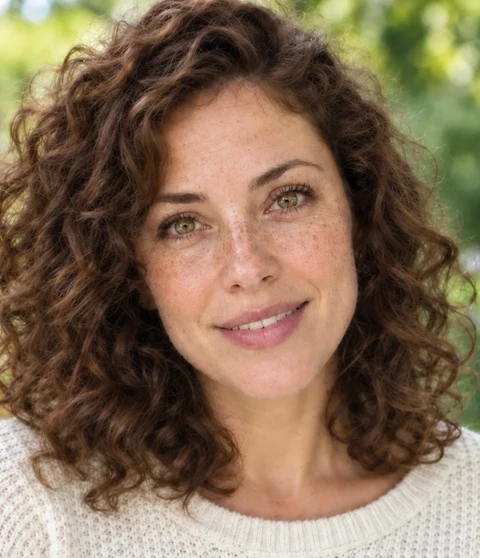
Before enhancement example: a curly-haired woman in a white sweater, with soft facial details.After enhancement example: the same portrait, with more defined eyes, freckles, and curls.人像细节
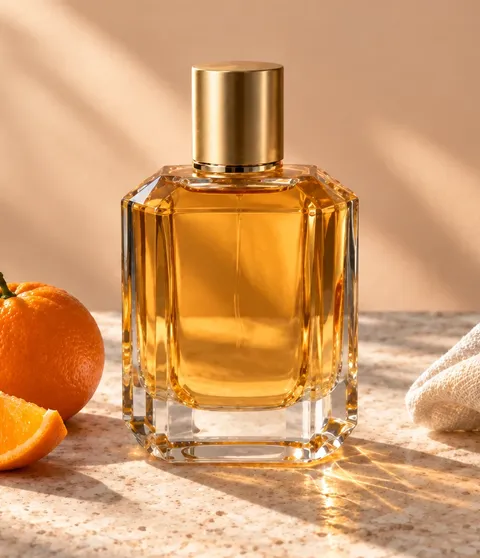
Before enhancement example: a perfume bottle beside an orange, with blurred glass edges.After enhancement example: the same perfume bottle and orange, with sharper glass edges and peel texture.商品清晰度
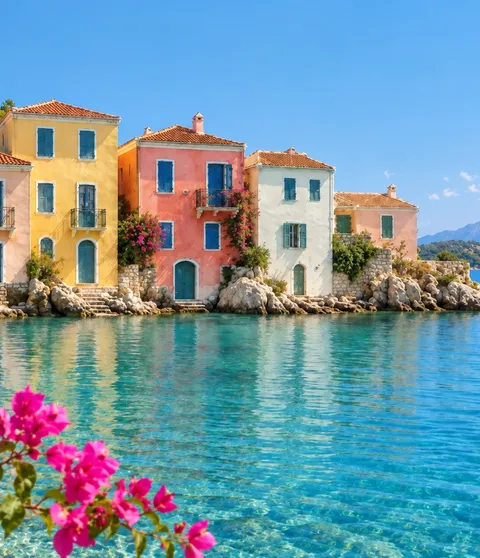
Before enhancement example: colorful waterfront houses, with blurred windows and reflections.After enhancement example: the same waterfront houses, with clearer roof tiles, windows, and ripples.风景层次
Before enhancement example: a corgi wearing a blue bandana on a sofa, with blurred fur.After enhancement example: the same corgi on a sofa, with more defined fur and eyes.宠物瞬间
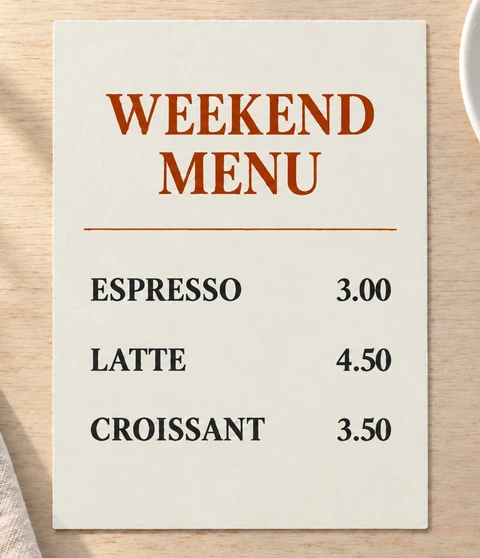
Before enhancement example: a weekend cafe menu, with blurred item names and prices.After enhancement example: the same cafe menu, with clearer item names and prices.文字与扫描

为第一次编辑而生

让照片细节更清晰的 AI 照片增强工具

Enhance My Photo 让第一次处理足够简单:选择场景、设定输出,并在提交前看到明确的积分报价。

更干净的清晰度

改善柔焦、压缩或细节不足的照片结构。

01

找回细节

让人脸、物体边缘和小字号文字更容易辨认。

02

保留原图与 AI 结果尺寸

服务端自动选择 4×、2× 或 1×,确保每张增强结果不超过 1600 万像素。

03

JPEG、PNG 或 WEBP

使用适合下一步工作的输出格式。

04

清晰的三步循环

如何在线提升照片清晰度

上传照片,选择适合的场景与质量等级,增强完成后对比效果并下载。

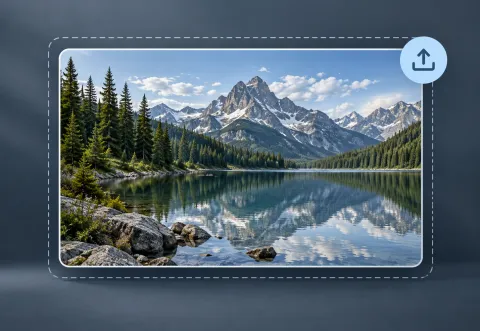
An alpine lake photo card on a blue-gray background, surrounded by a dashed upload frame with an upload arrow at the upper right.安全上传
01

安全上传

服务端会检查格式、尺寸、像素数和资产归属后才创建任务。

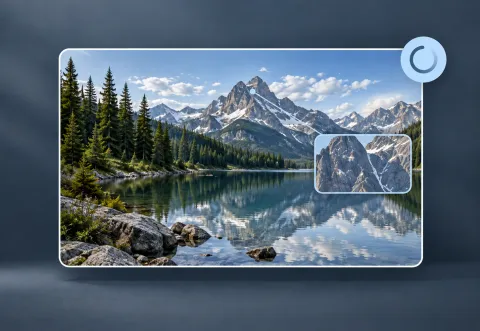
An alpine lake photo card with a processing ring and a magnified inset of rocky mountain details.等待队列处理
02

等待队列处理

任务从提交进入处理中,你不需要理解背后的技术配置。

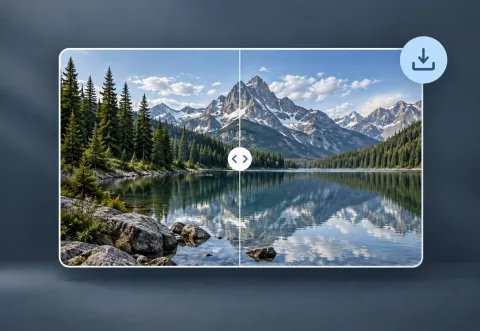
An alpine lake photo card with a central comparison slider and a download arrow at the upper right.对比并下载
03

对比并下载

查看前后效果,下载结果,或在完成后删除任务。

两种增强方式

选择质量等级,而不是技术模型

Flash 适合日常快速处理,Pro 适合需要更多纹理和精细细节的照片。

Flash

适合日常照片的快速高效增强。

可以放心使用的流程

免注册试用,登录后保存新生成的结果

访客请在离开或刷新页面前下载结果。登录后新建的增强任务会保存到任务历史记录,并按账号的作品保留期限保存。

照片私密访问
账号作品保留期限
登录后记录新任务

看得懂的积分

照片工作流变多后,再选择合适套餐

无需注册即可免费试用照片增强。登录可领取免费账号每日额度,需要更多额度时可选择付费套餐。

Starter

适合偶尔增强和处理个人照片。

$10/ 月

  • 每月 300 积分
  • 每日 30 积分
查看套餐

Creator

最灵活

适合稳定的创作流程和持续导出。

$20/ 月

  • 每月 1000 积分
  • 每日 40 积分
查看套餐

Studio

适合更高频率的专业照片工作。

$40/ 月

  • 每月 2000 积分
  • 每日 60 积分
查看套餐

小选择,带来更好的输出

人像、商品图与文字图片的增强建议

根据照片内容选择合适场景,让人像保持自然、商品边缘更清晰、图片中的文字更易读。
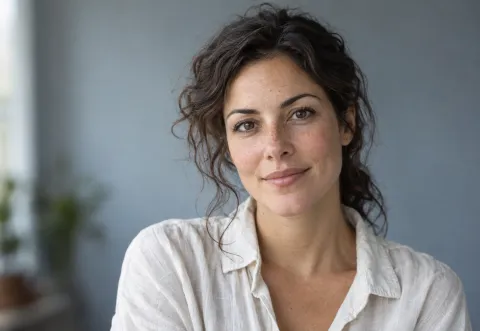
An adult portrait in soft window light, showing clear eyes, freckles, and natural skin texture.保持面部自然
人像

保持面部自然

当皮肤纹理和眼睛需要重点处理时,选择人像场景。

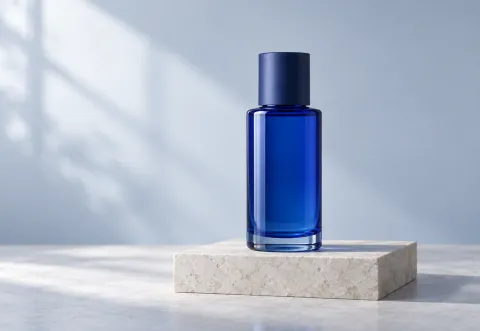
A blue glass skincare bottle on a pale stone plinth, with its cap and base fully visible and space around its edges.给边缘留出空间
商品

给边缘留出空间

使用商品场景保护物体结构和品牌细节,同时由服务端选择安全的放大倍数。

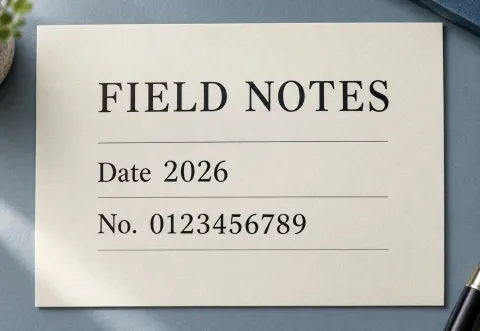
A cream paper page clearly printed with FIELD NOTES, Date 2026, and No. 0123456789, showing letter and number details.优先保证可读性
文字

优先保证可读性

截图、标签和扫描页面适合从文字场景开始。

开始前先看答案

AI 照片增强常见问题

了解免费照片增强、支持的图片格式、积分消耗,以及照片的可访问期限。